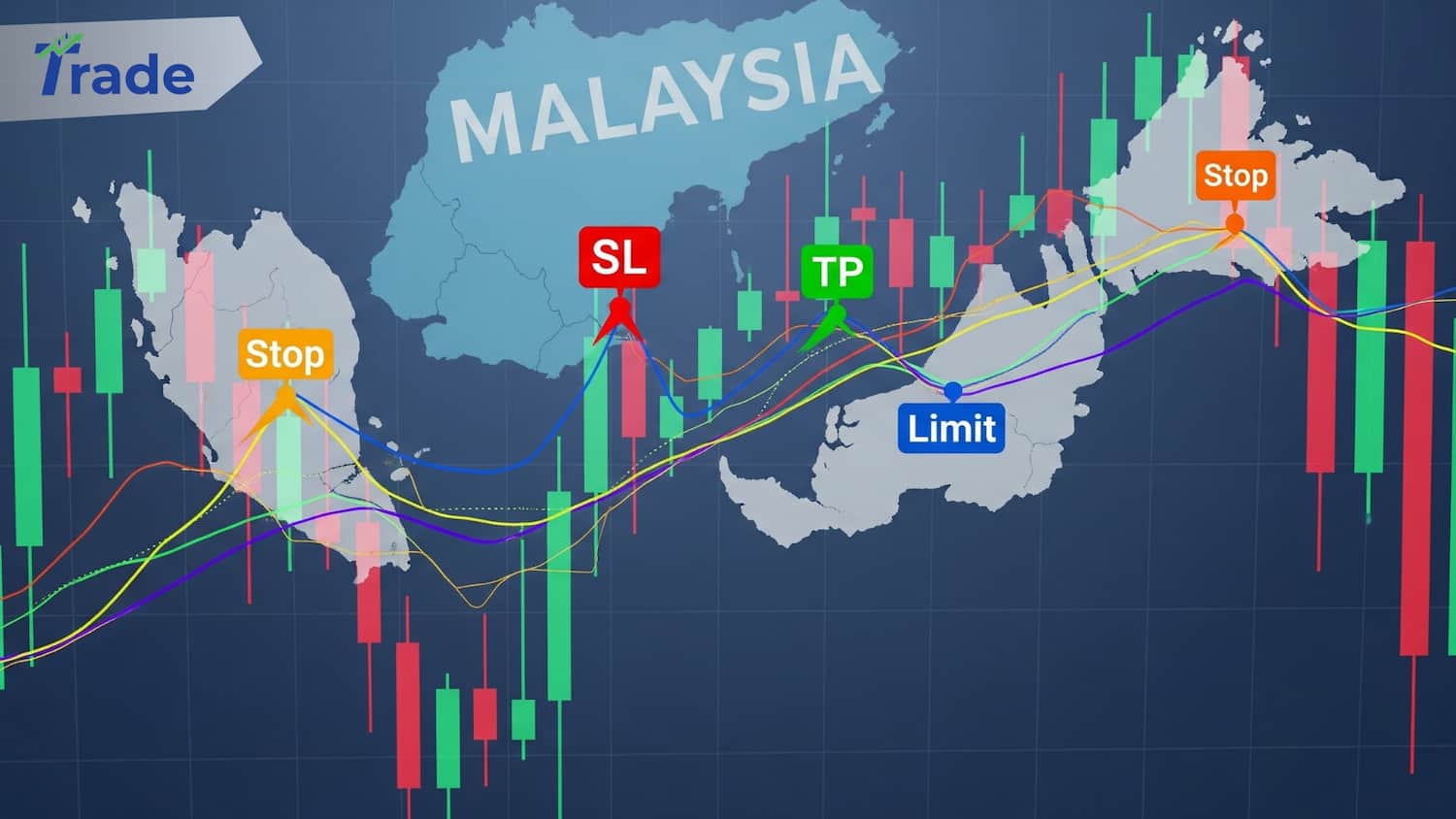
Key Takeaways
- Stop Loss (SL) is non-negotiable insurance; it limits how much you can lose on a single trade.
- Take Profit (TP) secures your money automatically when the market hits your target.
- Limit Orders are for “bargain hunters”—buying lower or selling higher than current prices.
- Stop Orders are for “momentum riders”—buying only after the price breaks upward (or selling on a break downward).
- Time Expiration keeps your charts clean by cancelling pending orders that didn’t trigger.
Why You Need More Than Just “Buy” and “Sell” Buttons
Most beginners in Malaysia start with “Market Execution”—clicking Buy or Sell instantly at the current price. While fast, it forces you to sit in front of the screen, watching every tick.
Smart traders use Pending Orders and Risk Management tools. These allow you to set your price, define your risk, and walk away. Whether you are at work or having teh tarik with friends, these orders ensure your trading plan executes exactly as you designed it, without emotional interference.
Which Order Type Do You Need To Use?
| If you want to… | Use this Order Type | Analogy |
| Limit Risk | Stop Loss (SL) | The “Emergency Brake” |
| Lock Gains | Take Profit (TP) | The “Cash Register” |
| Buy Cheaper than now | Buy Limit | Waiting for a Sale/Discount |
| Sell Higher than now | Sell Limit | Selling at Premium Price |
| Buy on Breakout (Higher) | Buy Stop | Jumping on a moving train |
| Sell on Breakdown (Lower) | Sell Stop | Catching a falling knife (safely) |
1. Stop Loss (SL) & Take Profit (TP)
The automatic exit strategies that protect your capital and secure your wins.
These are linked to your main trade. They are instructions to the broker to close your position automatically when the price reaches a specific level.
- Stop Loss (SL): The maximum loss you are willing to accept. If the market moves against you, the SL triggers and closes the trade to prevent a total account blow-up.
- Take Profit (TP): The target price where you are happy to exit with a profit.
Real-World Example:
Scenario: You Buy EUR/USD at 1.0500.
- You set SL at 1.0450: If the price drops 50 pips, the system sells automatically. You lose small, but your account survives.
- You set TP at 1.0600: If the price rises 100 pips, the system sells automatically. You profit, even if you are asleep.
2. Limit Orders (The “Rebound” Strategy)
Best for patient traders who want to enter at a better price than the market currently offers.
A Limit Order tells the broker: “I only want to enter if the price comes back to this specific level.” You are betting that the price will bounce (reverse) at a certain point.
Buy Limit
Use this when the current price is too high, and you expect it to drop, touch a support level, and then go up.
- Current Price: 1.2050
- Your Order: Buy Limit at 1.2000
- Result: The trade only activates if the price falls down to 1.2000. You get a “discount” of 50 pips compared to the current price.
Sell Limit
Use this when the current price is rising, but you expect it to hit a resistance ceiling and drop.
- Current Price: 1.2050
- Your Order: Sell Limit at 1.2100
- Result: The trade activates only if the price climbs up to 1.2100. You sell at the peak (or close to it).
3. Stop Orders (The “Breakout” Strategy)
Best for momentum traders who only want to enter if the market proves it is moving strongly in one direction.
A Stop Order tells the broker: “I only want to enter if the price smashes through this barrier.” You are betting that the trend will continue.
Buy Stop
Use this when you want to buy, but only AFTER the price breaks above a resistance level.
- Current Price: 1.3000
- Your Order: Buy Stop at 1.3020
- Logic: You don’t trust the current price. You believe if it hits 1.3020, it will likely skyrocket to 1.3100. You enter worse than current price to confirm momentum.
Sell Stop
Use this when you want to sell, but only AFTER the price breaks below a support level.
- Current Price: 1.3000
- Your Order: Sell Stop at 1.2980
- Logic: If price drops to 1.2980, the support is broken, and it will likely crash further. You catch the downward wave.
4. Time Expiration (Good Till Cancelled vs. Date)
Housekeeping for your pending orders so you don’t accidentally trigger a trade weeks later.
When you set a Limit or Stop order, you must decide how long that order stays valid.
- GTC (Good Till Cancelled): The order stays there forever until you manually delete it or it gets triggered.
- Risk: You might forget about a “Buy Limit” you set three weeks ago. Suddenly, news hits, the market crashes, and your old order triggers instantly—putting you in a bad trade.
- Specified Expiration: You set a date and time (e.g., “Today at 23:59”).
- Benefit: If the market hasn’t reached your entry point by the end of the trading day, the order is deleted. This is crucial for day traders who don’t want to hold risk overnight.
Still Confused? Think of it Like Ordering Food.
- Market Execution: Buying Nasi Lemak immediately at the current shop price.
- Buy Limit: Telling the shop, “I will only buy if the price drops to RM3.” (Waiting for a discount).
- Buy Stop: Telling the shop, “I will only buy if I see a long queue forming.” (Waiting for momentum/popularity).
- SL/TP: Telling your friend, “If it gets too expensive, cancel my order. If it’s delicious, tapau for me.”
Conclusion
Mastering SL, TP, Limit, and Stop orders moves you from a gambler to a strategic trader. These tools allow you to plan your trade in advance and remove the temptation to make impulsive decisions when the candles start moving fast. Always use a Stop Loss, and use Expiration times to keep your trading journal clean.
FAQs About Entries Types
Can I move my Stop Loss after the trade is open?
Yes. This is called a “Trailing Stop.” As your trade moves into profit, you can manually move your SL to “Breakeven” (your entry price) to ensure a risk-free trade.
Does a Sell Limit execute immediately?
No. A Sell Limit is placed above the current price. It will only execute (become an active trade) if the market price rises to touch your limit level.
What happens if the price “gaps” over my Stop Loss?
This is called “Slippage.” If the market opens very fast (like on a Monday morning) past your SL level, the broker will close you out at the next available best price, which might be worse than your SL setting.
Do pending orders cost money?
No. Placing a Buy Limit, Sell Stop, or any pending order is free. You only pay spread or commission when the order is actually triggered and becomes an open position.
Which order type is best for news trading?
Many traders use Buy Stop and Sell Stop simultaneously (a “Straddle”) before a big news event, hoping to catch the breakout in whichever direction the market shoots. However, high volatility can make this risky.